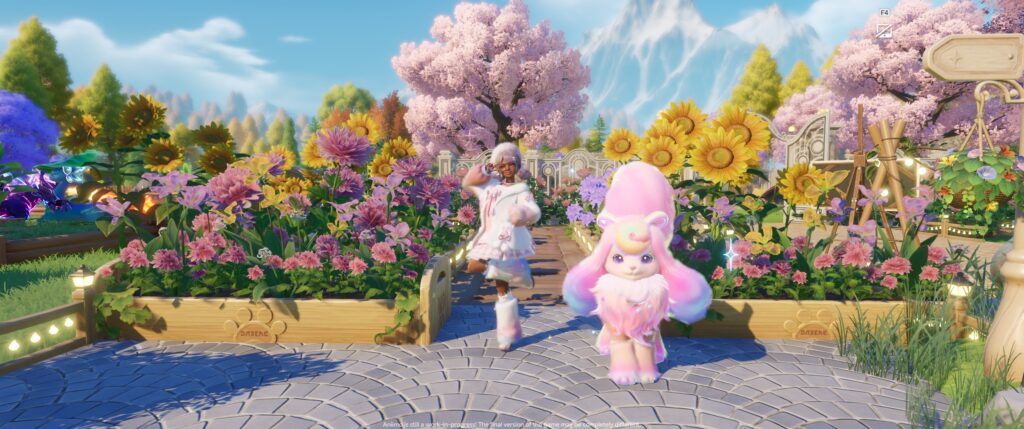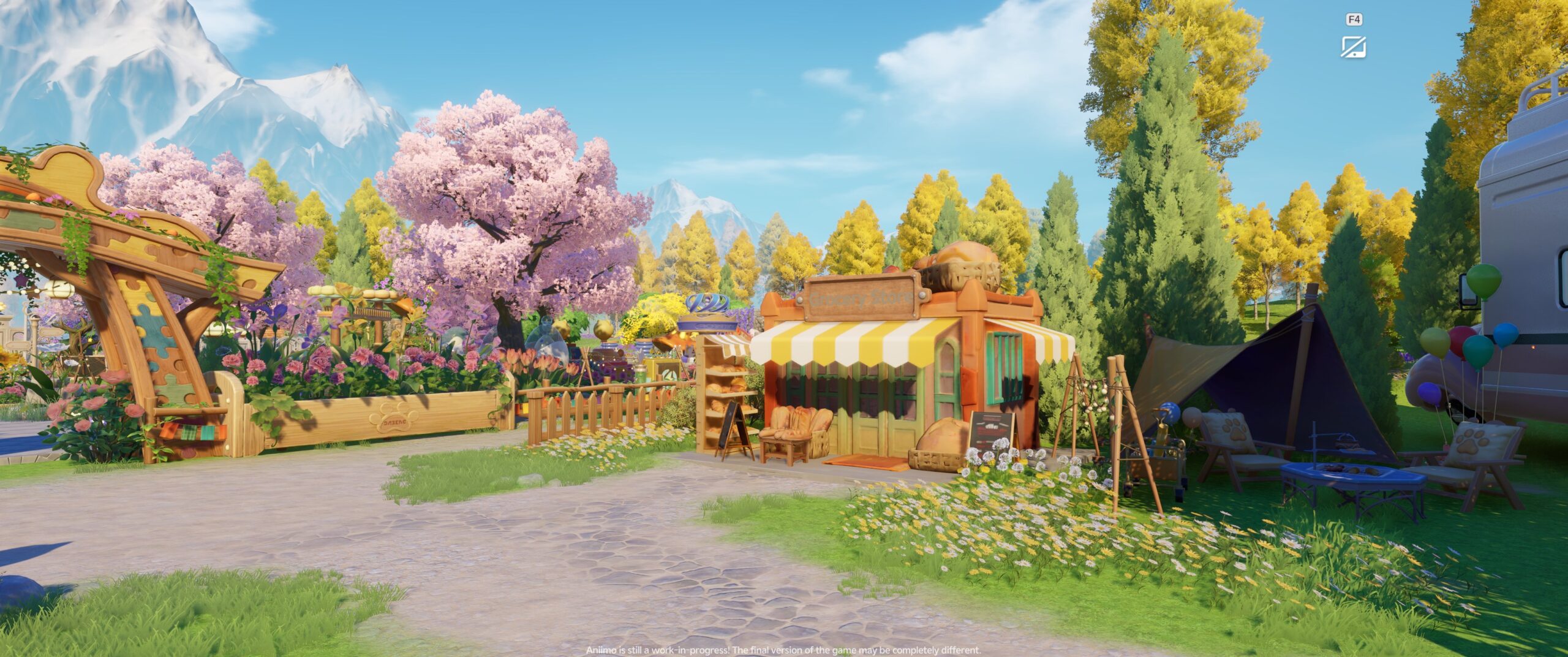
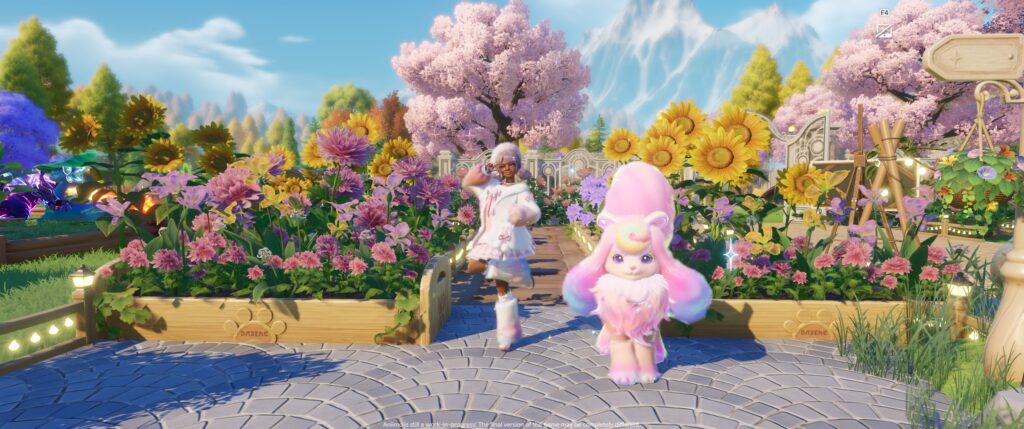
If you’ve been watching my streams, you’ve probably noticed that I disappear into my Homeland for hours. I always tell myself, “I’m just going to harvest a few crops.”
Then somehow I’ve redesigned half my property, completed a stack of orders, reorganized my warehouse, crafted enough materials for my next project, and completely forgotten what I originally logged in to do.
That’s the magic of Aniimo’s Homeland.
While the open world is full of creatures to collect, places to explore, and adventures waiting around every corner, your Homeland feels like… well, home. It’s the place you keep coming back to between expeditions—a little sanctuary that’s constantly growing alongside you.
Throughout Closed Beta 3, I’ve spent an embarrassing (but very happy) amount of time transforming mine from an empty plot of land into a cozy little estate. Every new production facility, every farming upgrade, every decorative choice, and every completed order makes it feel a little more alive.
Today I wanted to give you a full tour of where things currently stand before everything inevitably changes in future betas.
A few notes first…Building an Actual Home took Creativity
Your homeland starts as 1 unlocked plot. Just grass and vibes. Then you place more of what you want around that (keeping scrolling, I’ve built more–I promise!).
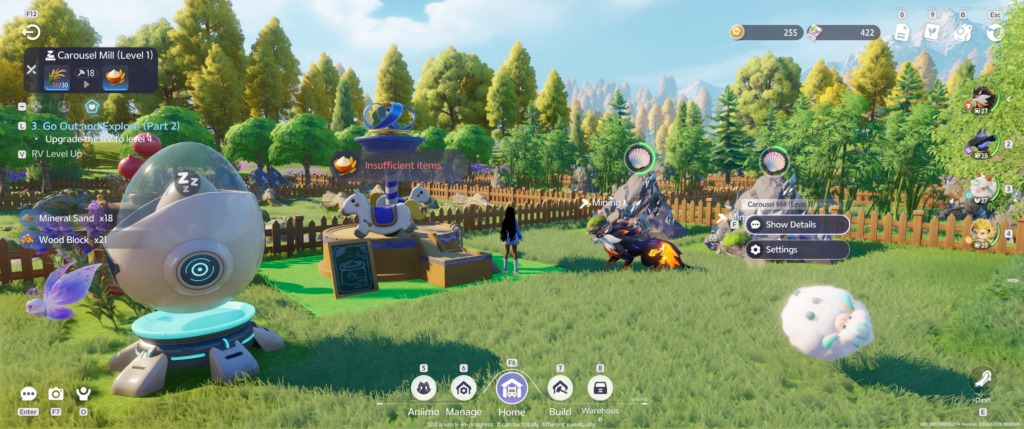
One of my favorite parts of the Homeland system is that you’re not just placing random crafting stations around a field (even if it feels that way at first!). The facilities were designed to feel alive. Like the Phonolfactory, that’s a space where you can produce lemon incense, rose incense, and lemon soap.
Just using the facility, you see beautiful musical notes and hear music playing. See an example in my YouTube video below:
So much of these little details mean so much to me… we’re creating a place that feels lived in.
Here in the beta though, the actual home/building structures…required me to get creative.
We didn’t have roofs for example. And so, I’ve finally reached the point where my house actually resembles… a house. Rooms are beginning to take shape, decorations are slowly finding their homes, and I’m already planning how I want future expansions to look.
Organizing Your Homeland
New to this beta, you can organize your homeland using the Manage button.
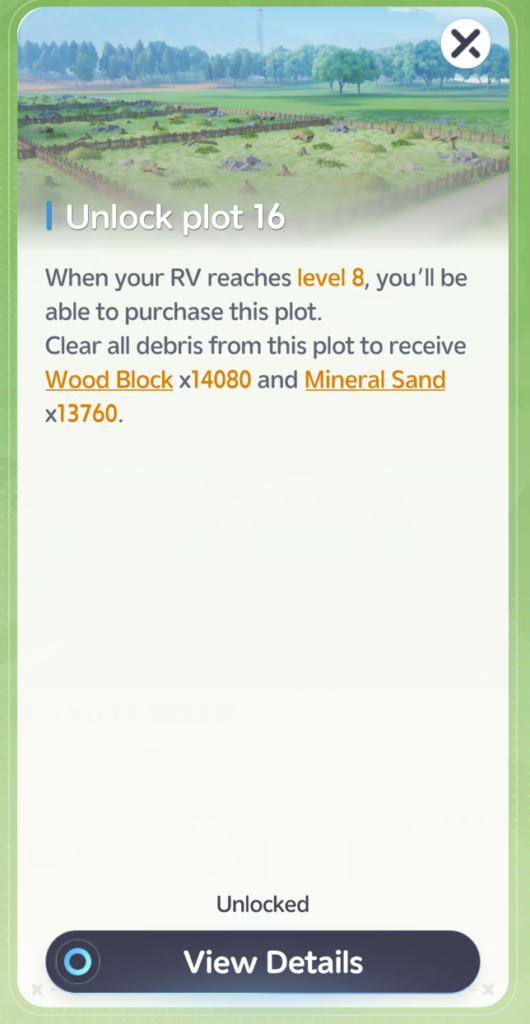
The Facility Management screen in Aniimo is SO THOUGHTFUL. You can view the plots available for purchase (which is helpful because you receive large amounts of woodblocks and minerals — important for leveling up your RV which levels up the facilities and eventually the types of crops and trees that you can grow.

When you zoom in on a particular plot, you can manage your homeland with the topview organizer. Here, you can:
- batch update the crops
- batch upgrade multiple plots
- See what your Woodland plots and your Farmland is growing.
It would be nice to see if we can also move facilities around from this view, but its not the case in this Beta.

I’m nowhere near “finished”—and honestly, I hope I never feel finished—but seeing the progression from an empty lot to something that reflects my personality has been incredibly satisfying. Sharing some snaps, showing progress of different areas of my homeland.
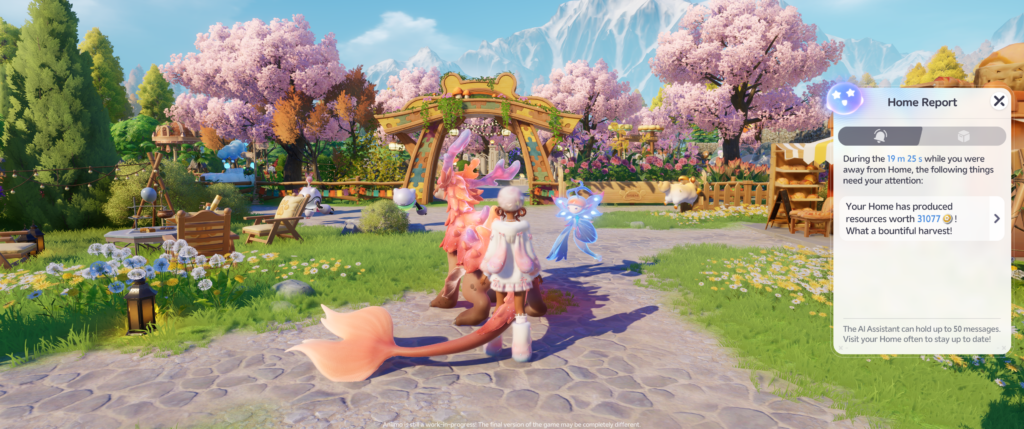
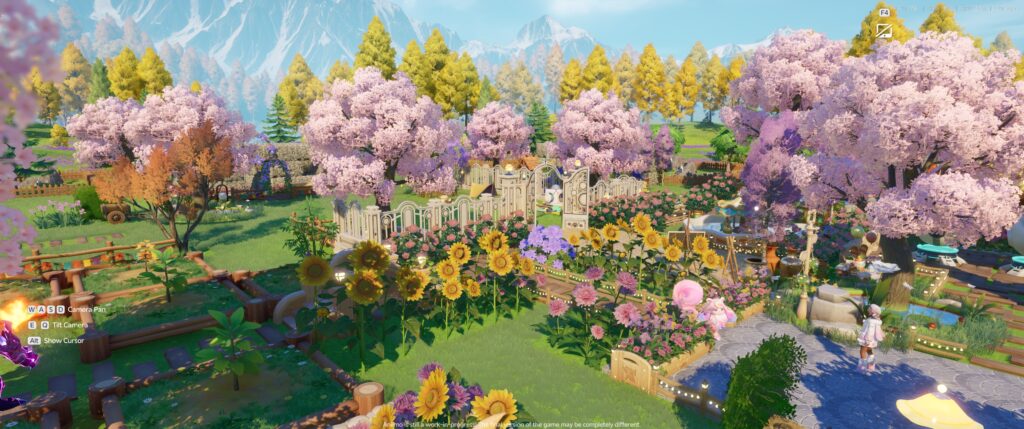


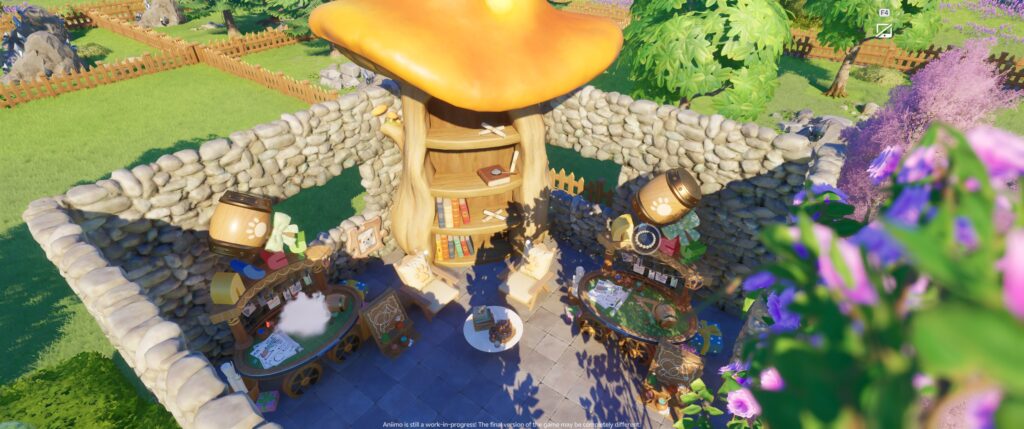


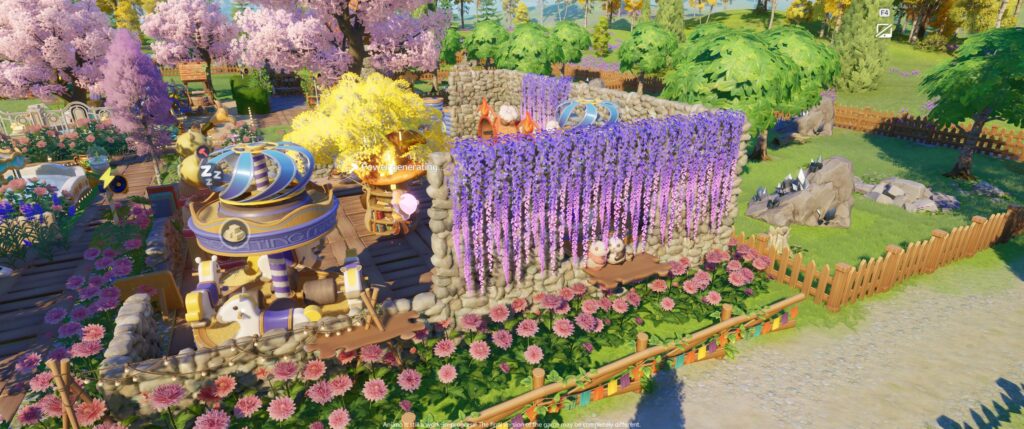

Your Aniimos Help You Farm!

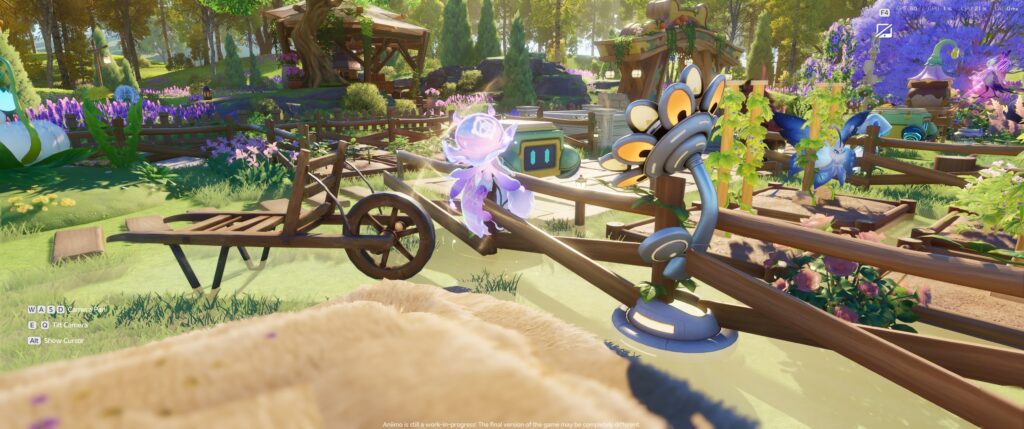
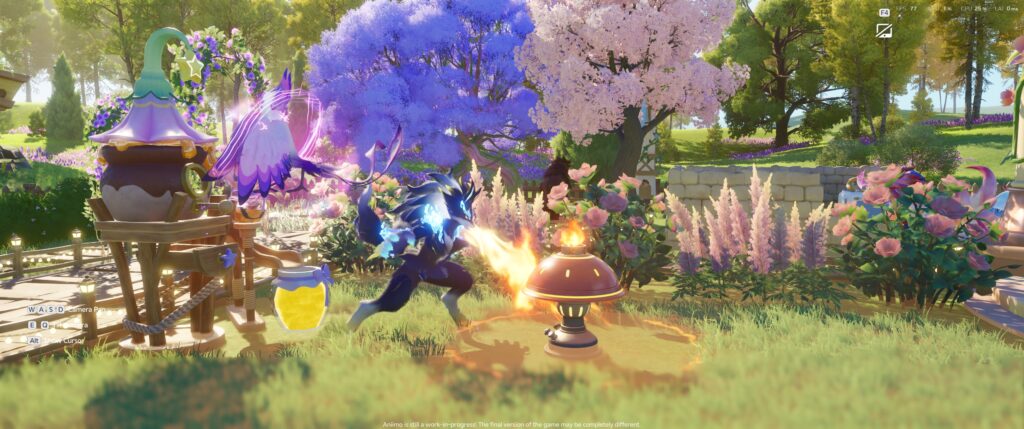
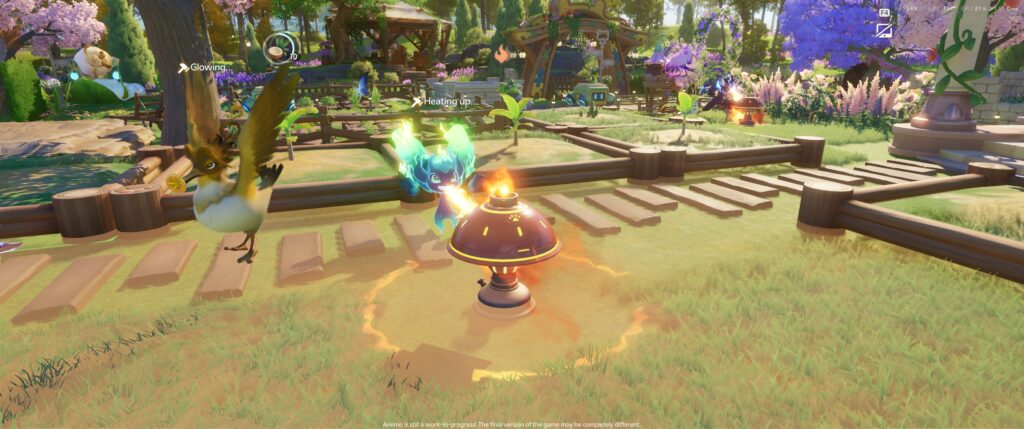

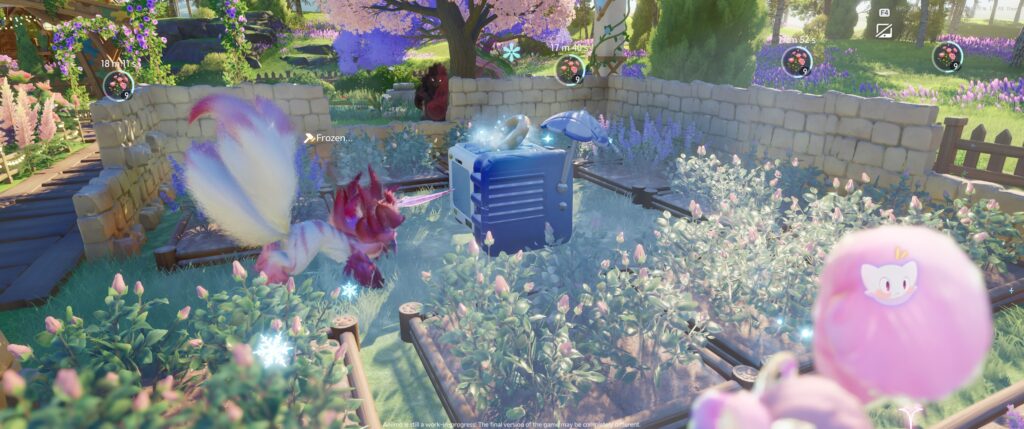
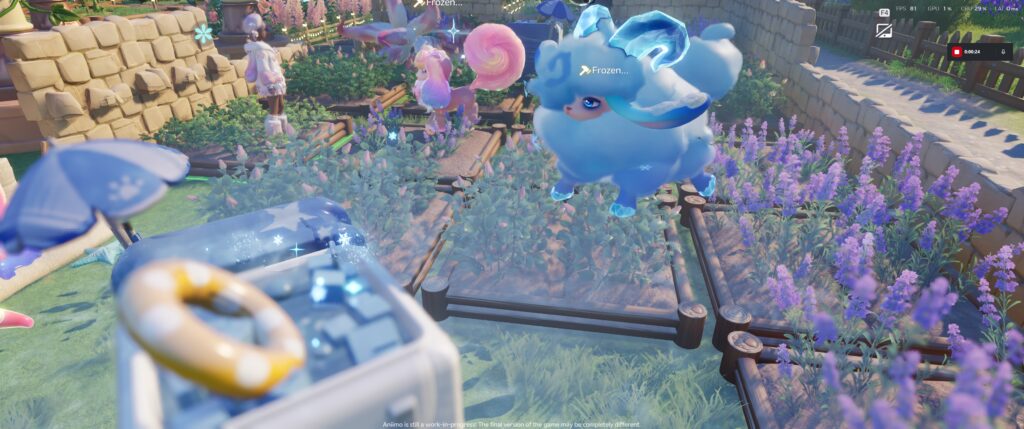


You eventually unlock Electricity, so you can give your aniimos a break at higher levels, too.
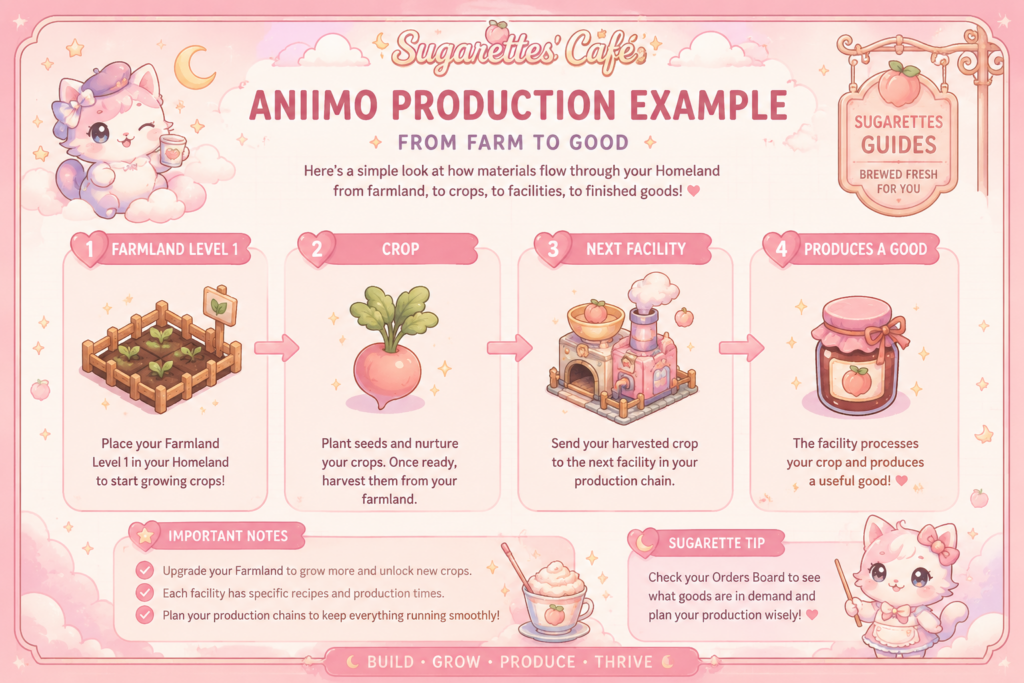
Farming Is More Strategic Than I Expected
At first glance, farming seems simple.
Plant seeds.
Harvest crops.
Repeat.
But once you begin processing materials, fulfilling production chains, and preparing items for future crafting, you realize every crop has a purpose.
I’ve found myself constantly asking questions like:
- Which crops should I always keep growing?
- Which products are worth processing instead of selling?
- What materials am I going to need later?
- How can I keep my production facilities running efficiently?
It’s become one of my favorite daily routines.
Here’s a gallery of the crops available to me during closed beta 3 (CBT3):
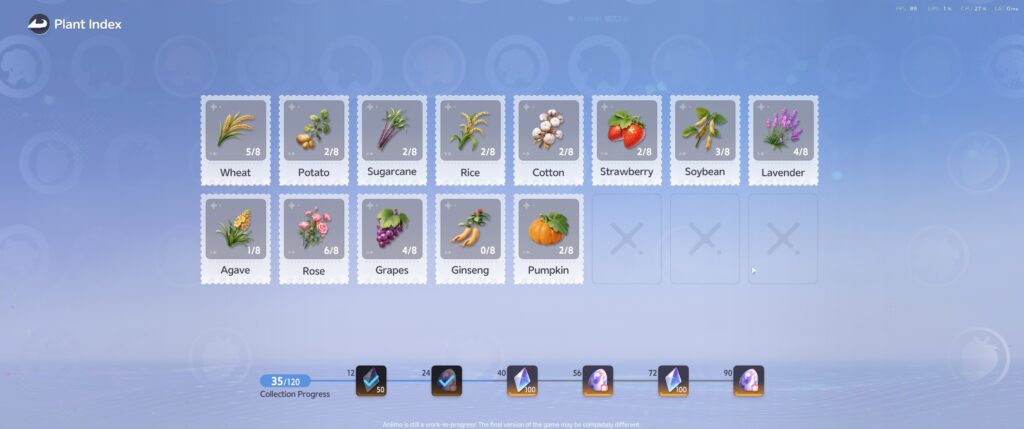
- Wheat
- Potato
- Sugarcane
- Rice
- Chestnut
- Willow
- Cotton
- Strawberry
- Soybean
- Bamboo
- Lemon Tree
- Palm Tree
- Rubber Tree
- Lavender Seed
- Agave Seed
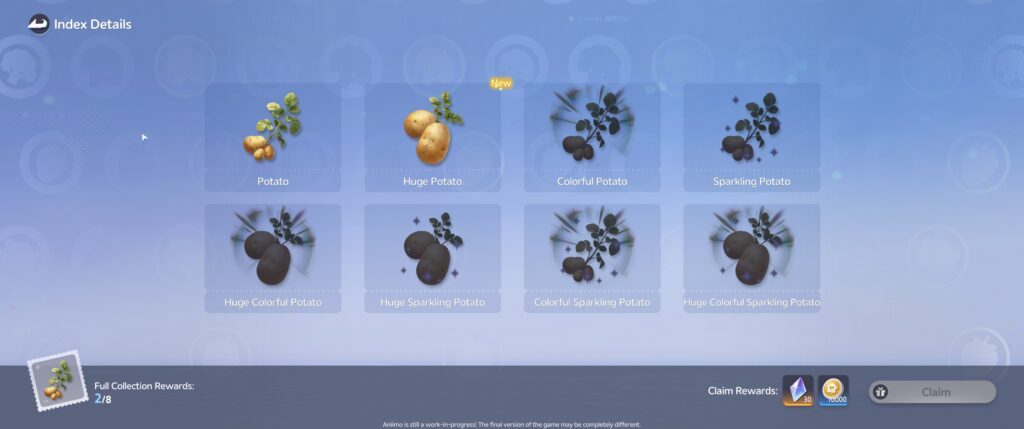
You can open up an index on your homeland to view your progress of each of the mutations available for each plant. The mutations available during beta:
- Colorful
- Sparkling
- Huge
- Crystal?
And then, any combination of those:
- Huge Colorful Sparkling [Plant Name]
- Colorful Sparkling [Plant Name]
- Huge Colorful Sparkling Crystal [Plant Name]
Not an exhaustive list, just gives an idea of what’s possible.
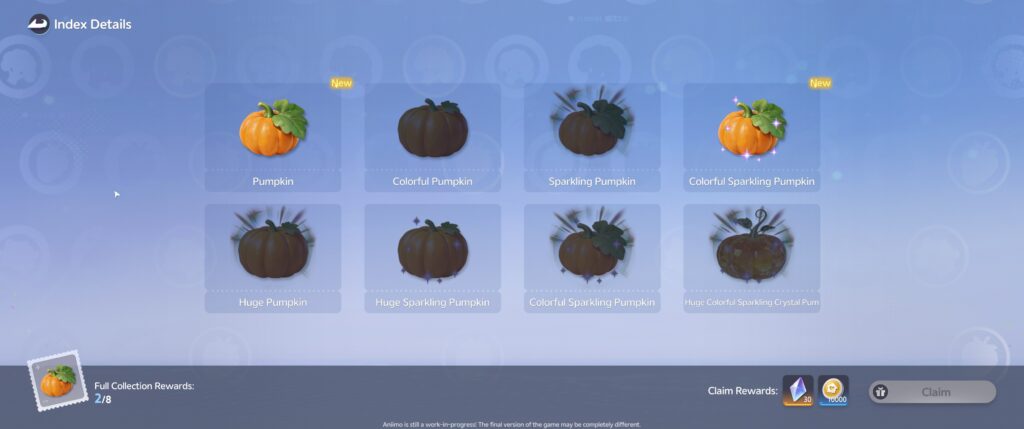
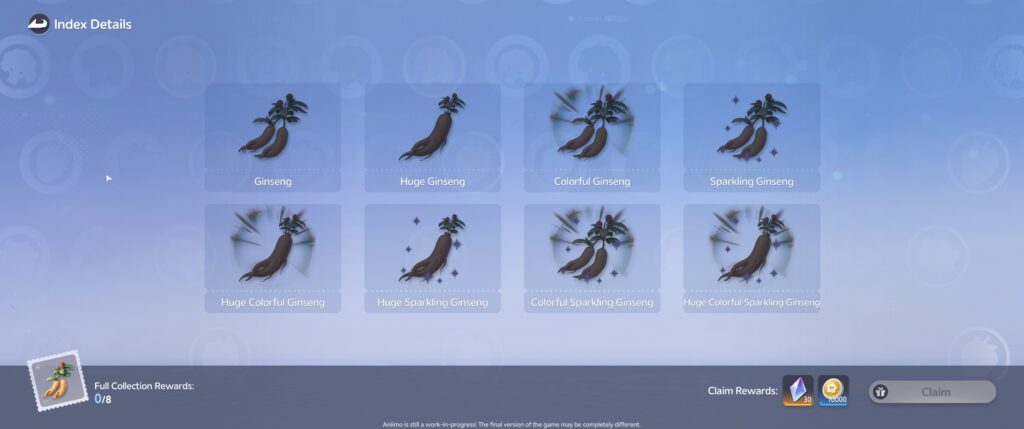


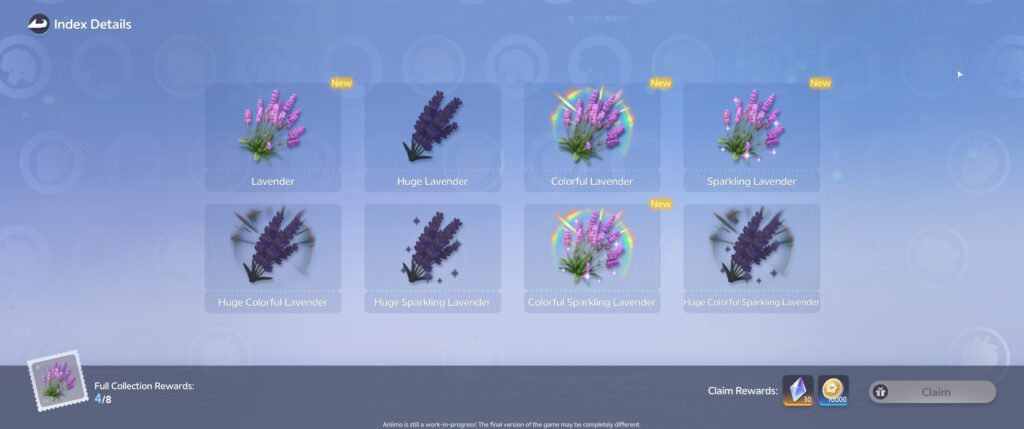
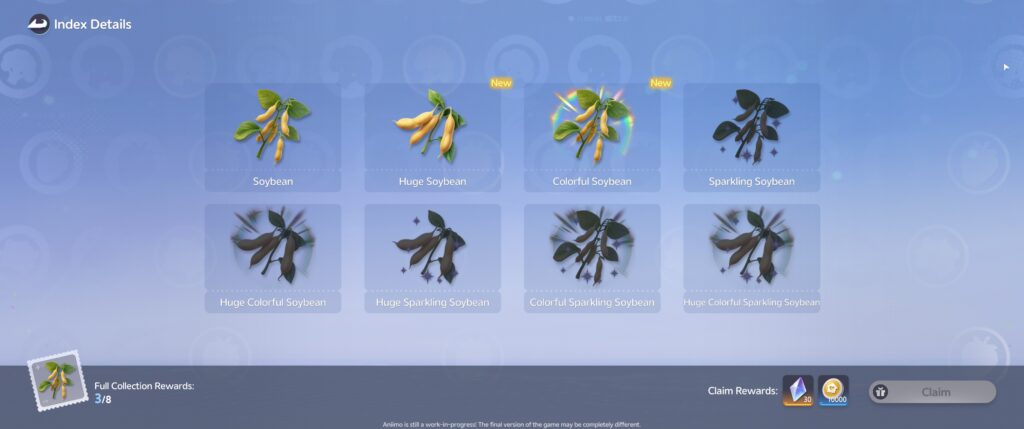
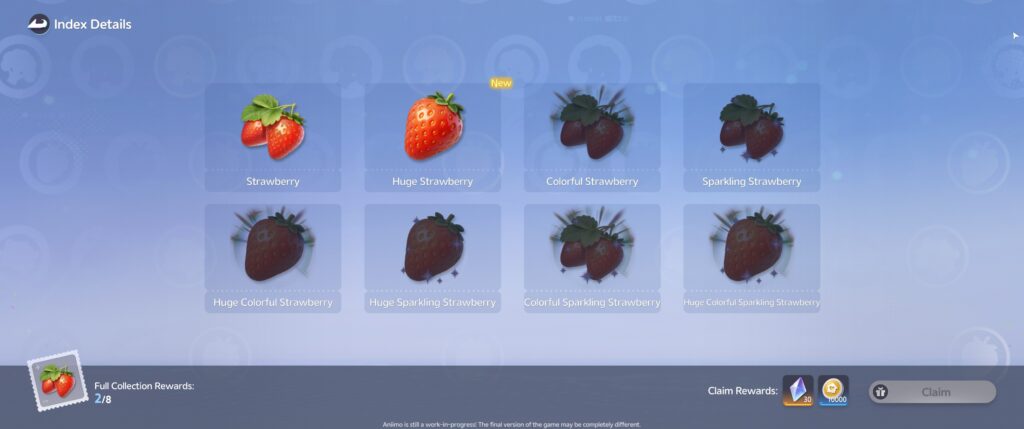
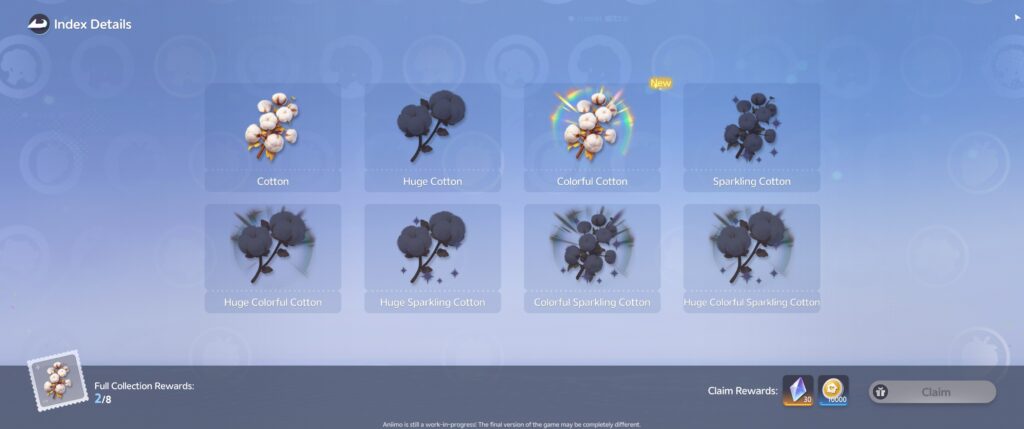
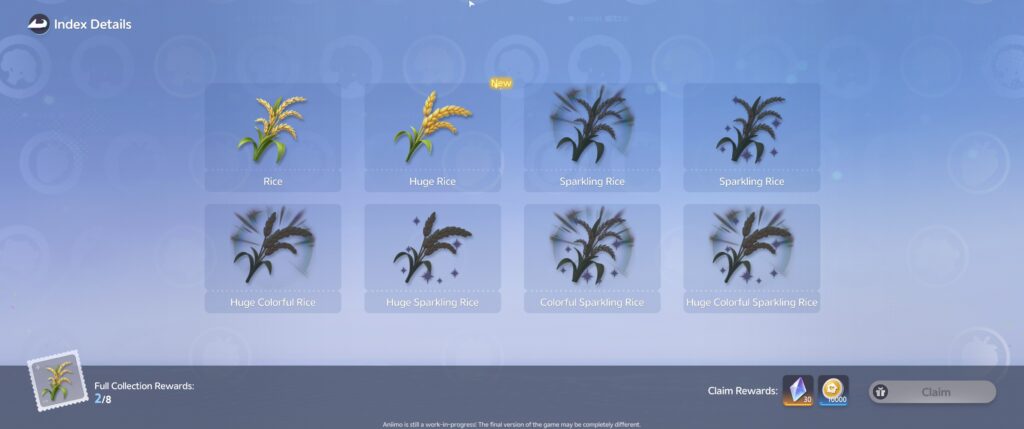

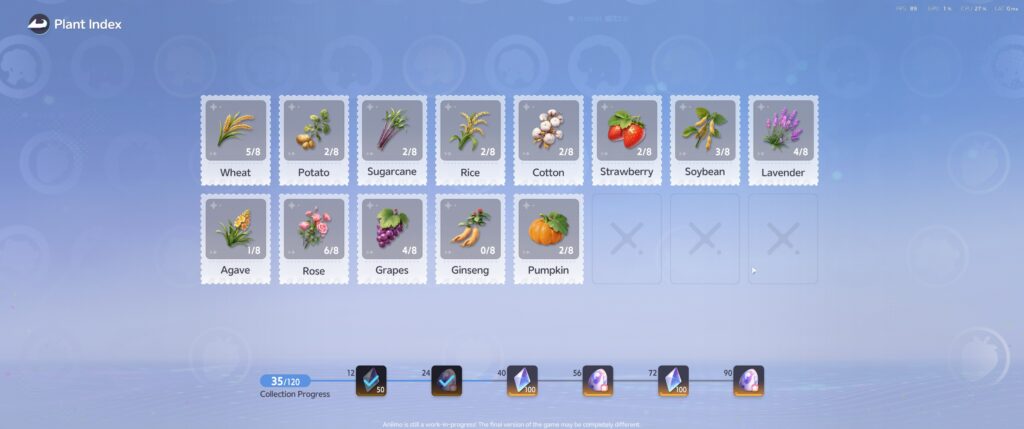

You buy the seeds you need from the BINI #2333 Homeland Shop Robot


Functional Facilities Create Products You can Sell (and make Home Coins or Bud Tickets)
I create a table to share the different types of functional facilities that grow raw materials, produce them into goods that we can sell as is or further process to become advanced products. Whew. Mouthful! But once you understand that everything begins with your materials production, your farming production lines should make sense.
Here’s an overview table:
| Materials Production | Materials Processing | Items Production | Auxiliary Facilities | Aniimo Facilities |
| Farmland | Carousel Mill | Aniipod Maker | Storage Unit | Hatchinator |
| Woodland | Crafting Table | Dance Pad Polisher | Crackle Power Pole | |
| Mineral Pile | Jukebox Dryer | Crackle Generator | ||
| Nimbus Bed | Claw Game Cooker | Heat Furnance | ||
| Grass Blossom Mat | Jopy Wheel Loom | Cooling Unit | ||
| Dewy House | Phonolfactory Table | Sunlamp | ||
| Starfall Hammock | Bouncy Brew | |||
| Tidewhisper Sandcastle | ||||
You purchase them from the Build menu
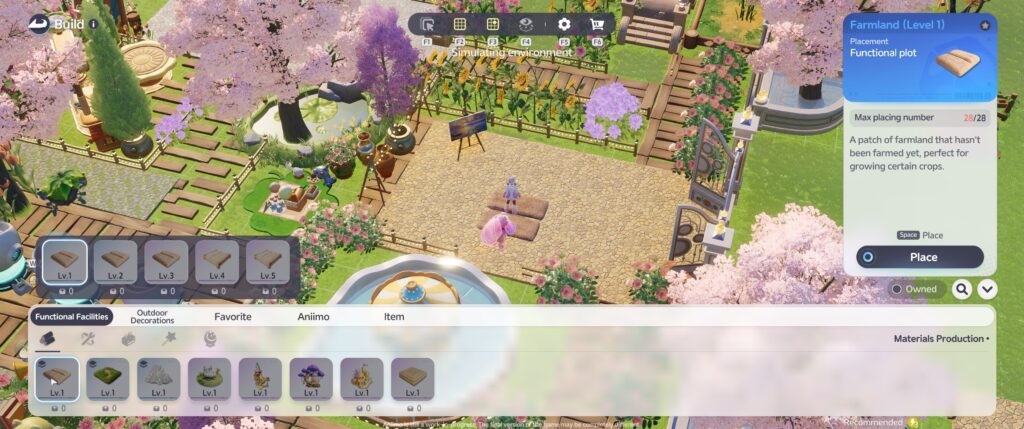


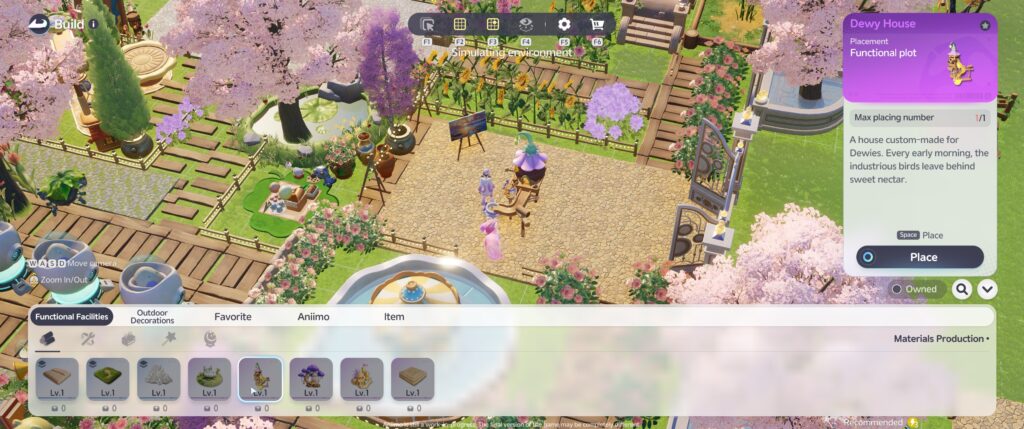


And upgrading each facility is controlled by *drumroll pls…* upgrading your RV!
Upgrading Your Homeland: Discovering the RV
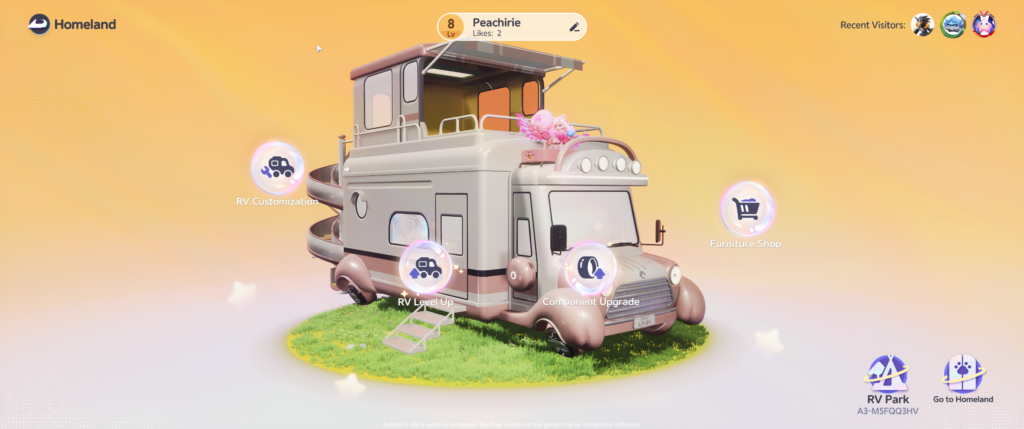
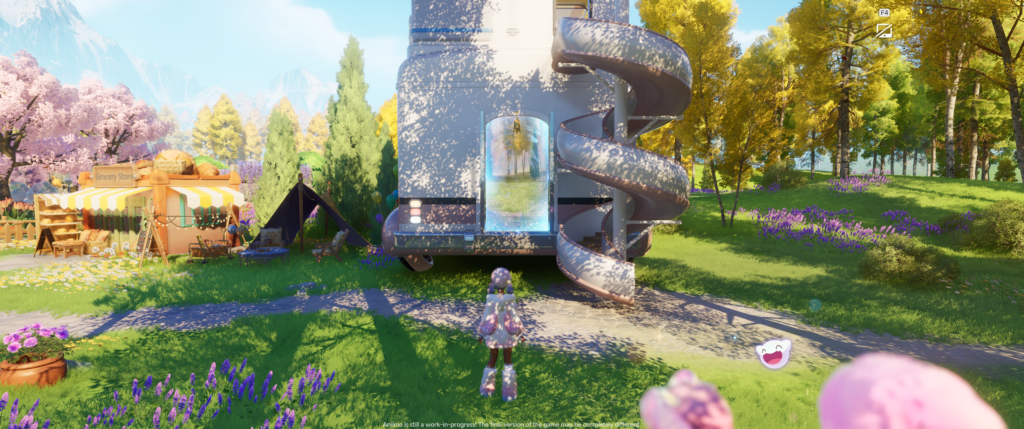
This beta introduced the RV functionality and I AM HERE FOR IT.
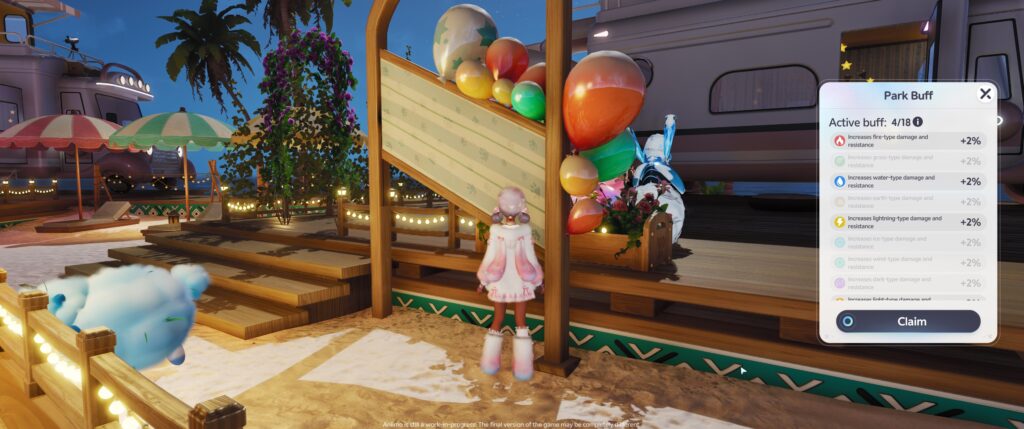
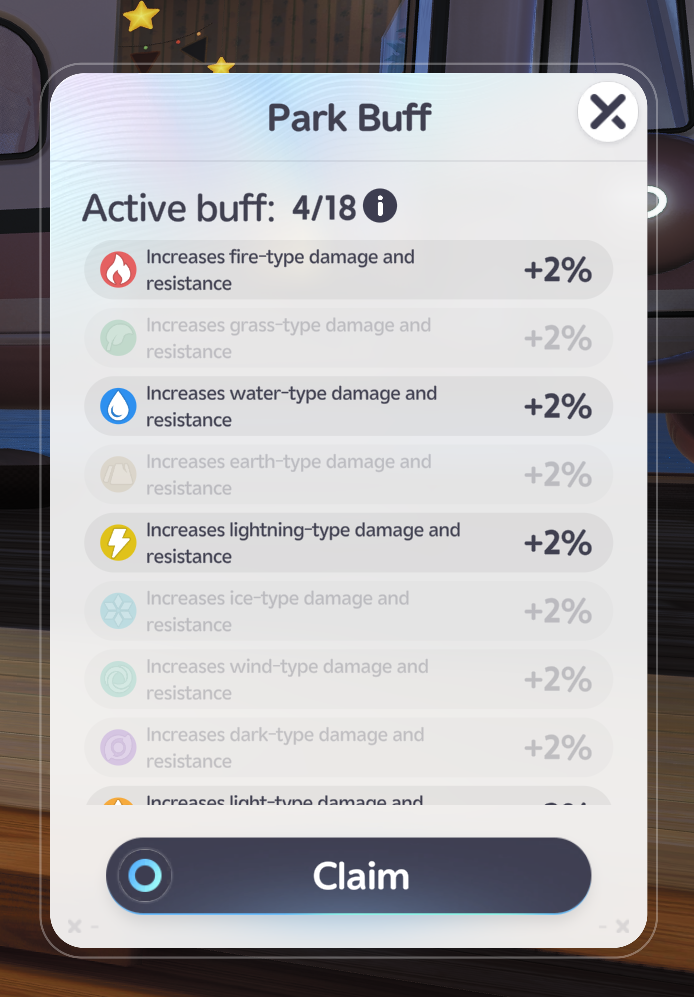
Your RV Allows you to travel between the different RV Parks and get BUFFS based on where on the map you are located (also whichever buffs other Pathfinders have activated).
Your RV hold upgrades for your homeland that can increase yields for certain crops and more.
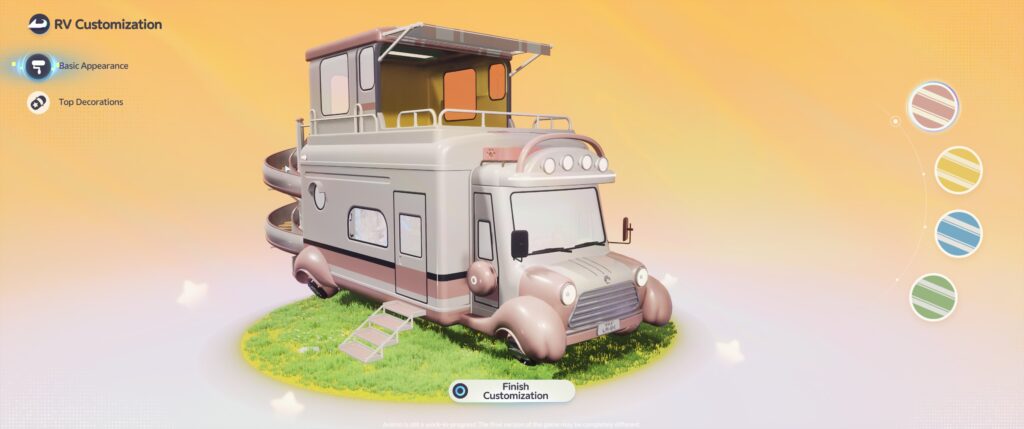
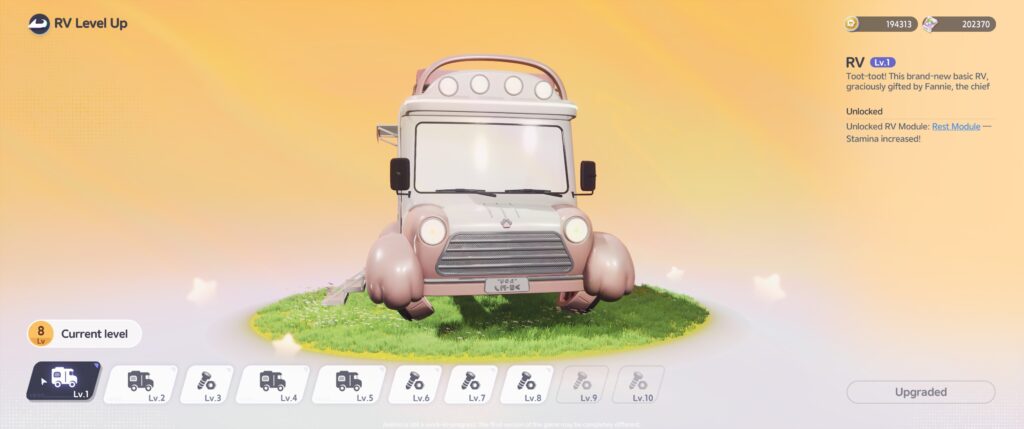
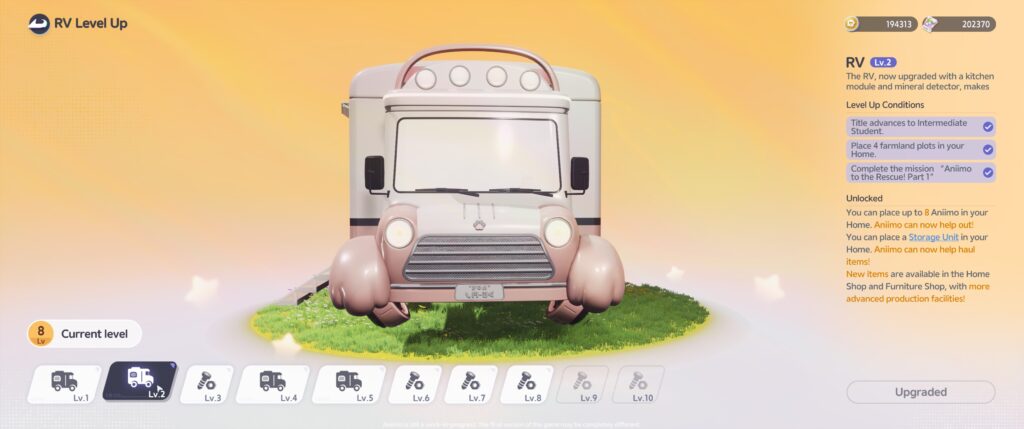

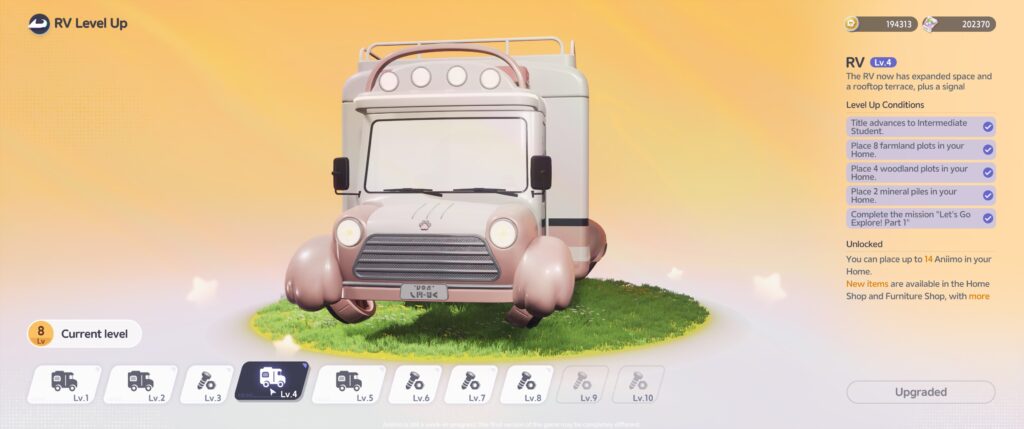


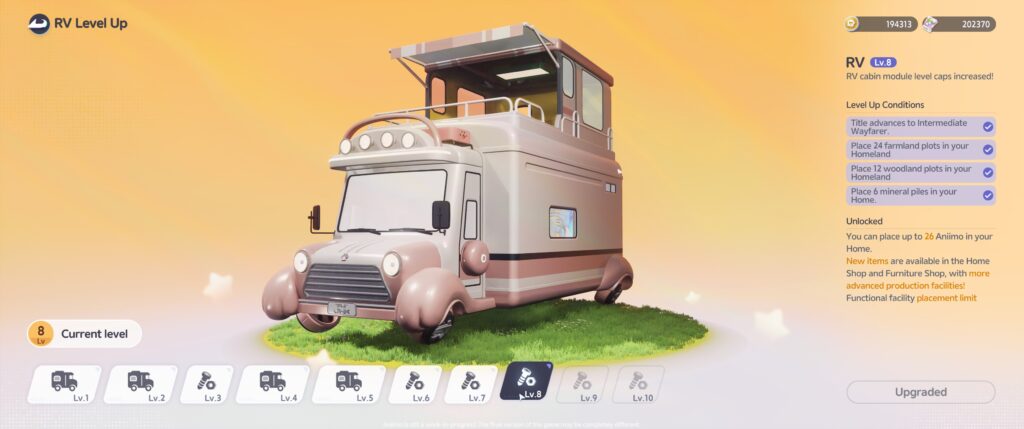


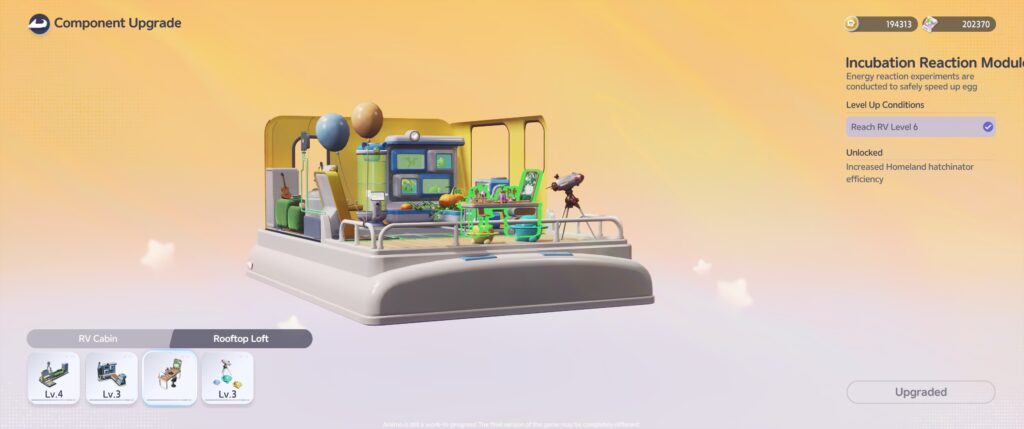
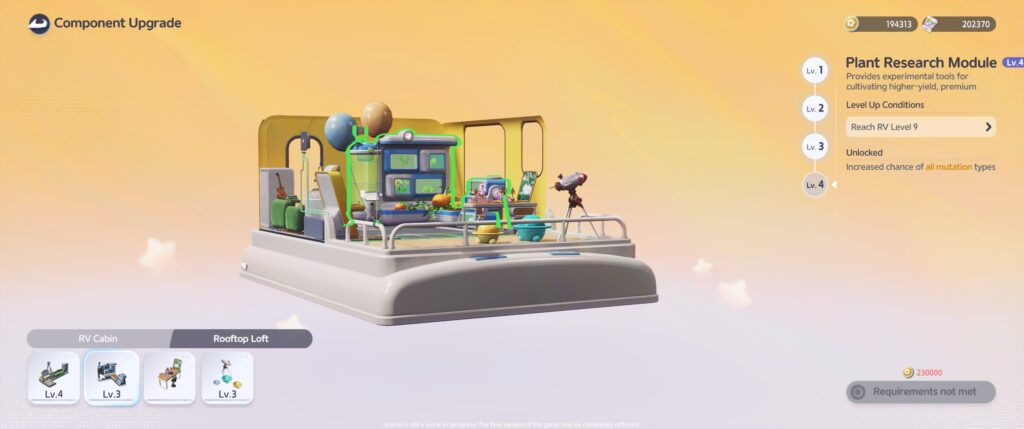

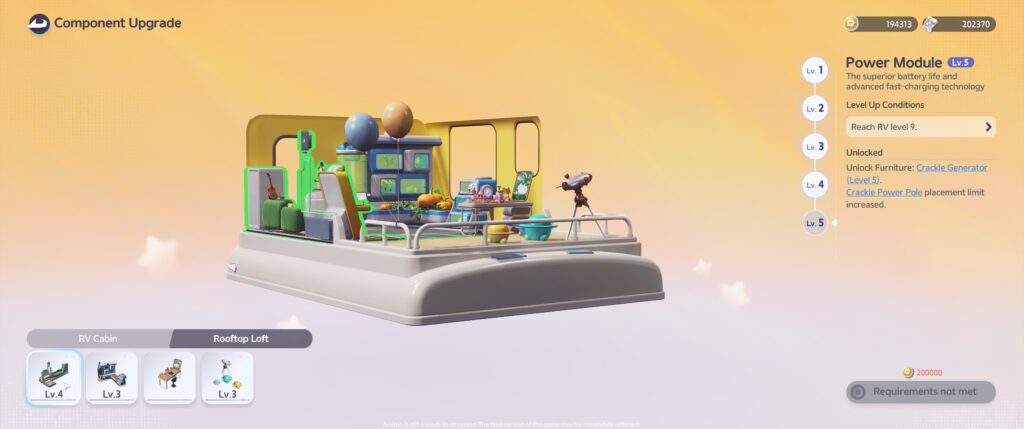
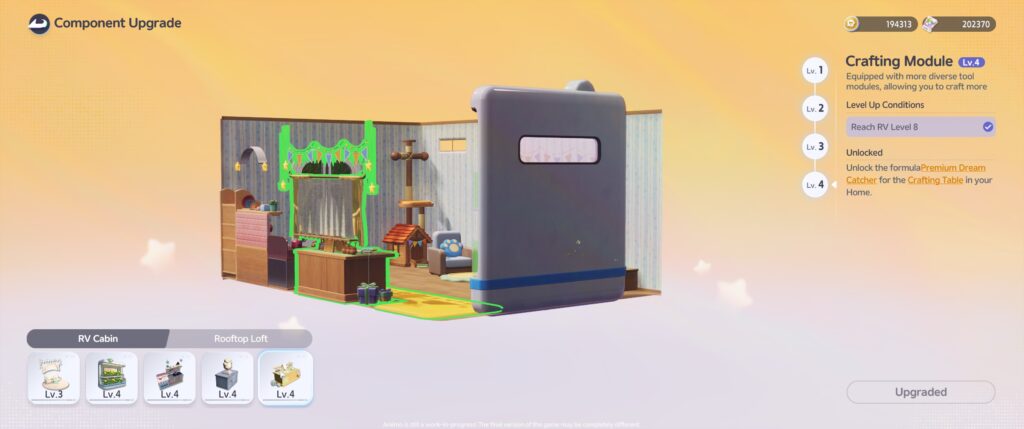

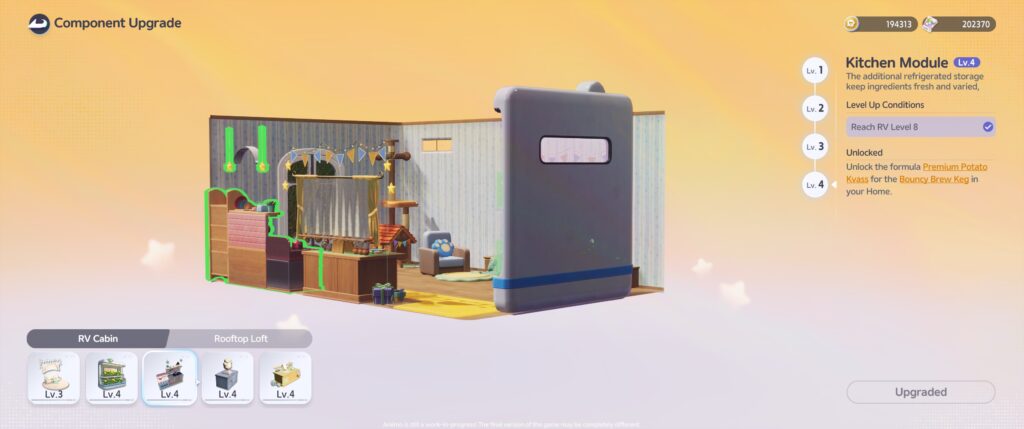
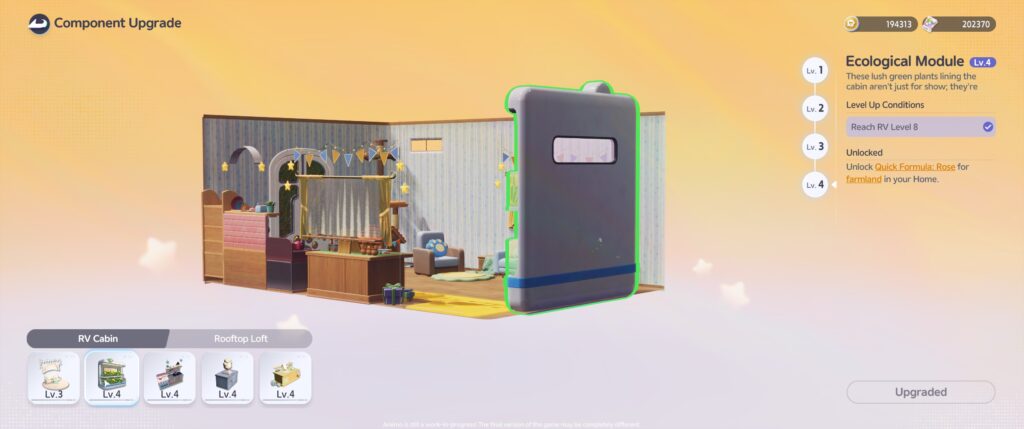
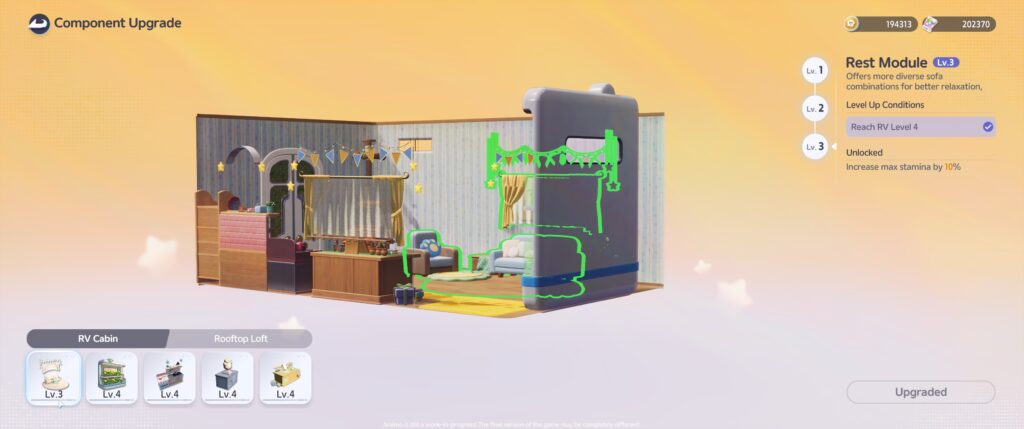
Interior of the RV (level 8)


Exterior of the platform (where you can place decorations)
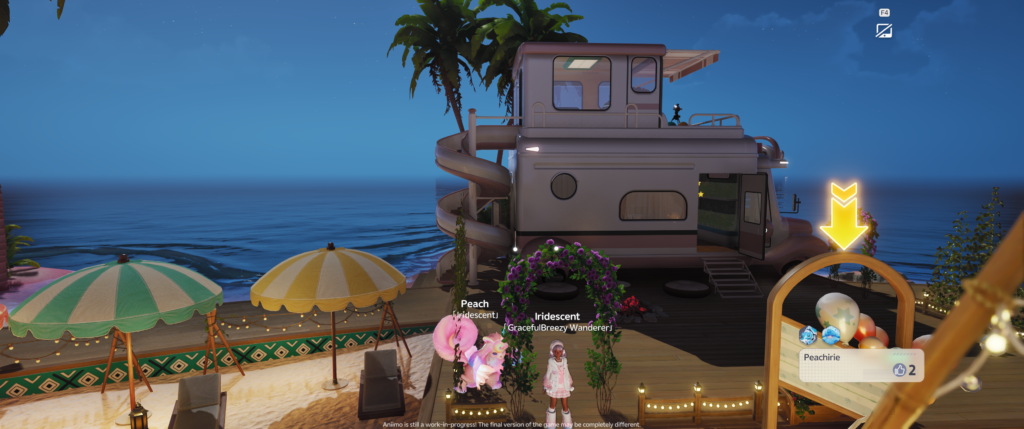
You can switch between the available RV Parks and they show up on your map with special icons.


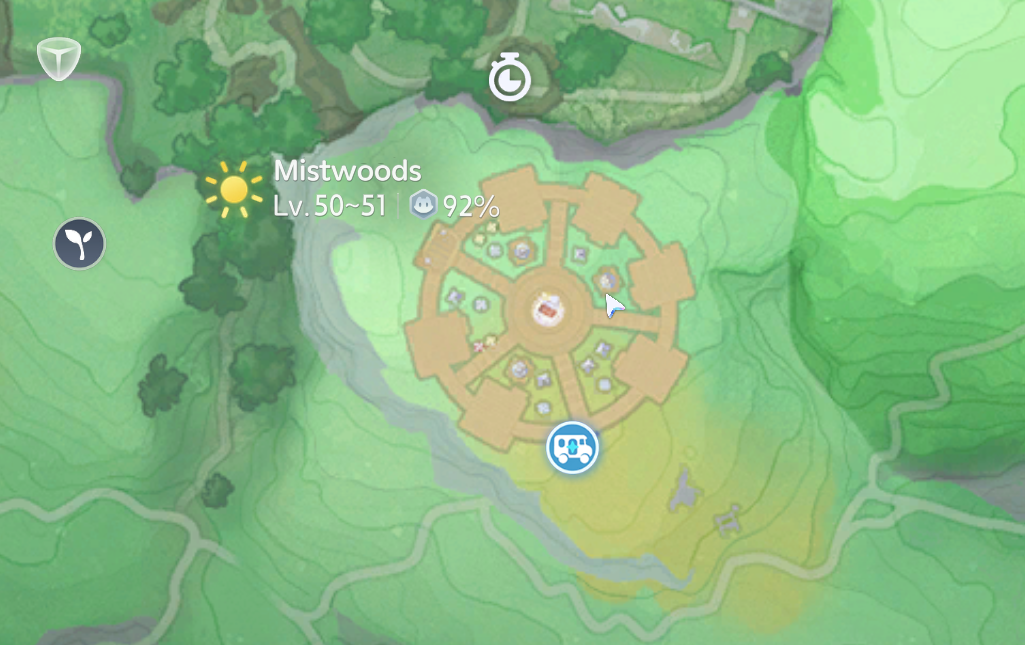
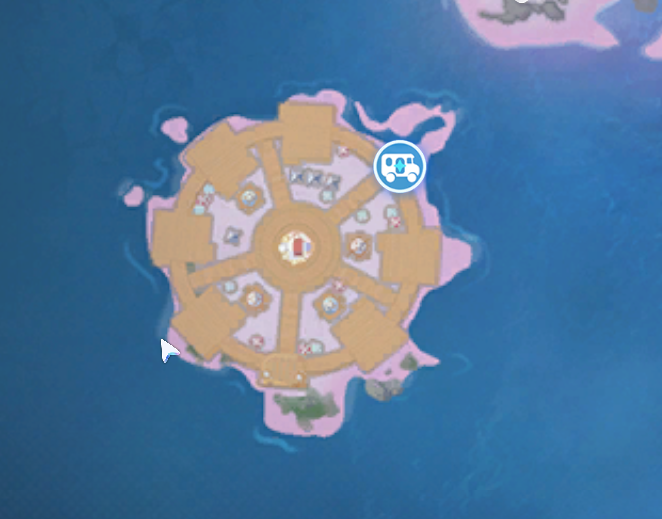

Zoomed-out view of the RV Park (this one is at Echoback Landing, I believe)


Park Buffs can be accessed at the RV board AND you can decorate your platform!
Also through the Park board, you can send your Aniimo out on a trip so they can bring back plants + gifts that are relevant to the RV Park’s surrounding area — especially helpful for orders that sometimes request specific foliage from specific regions.
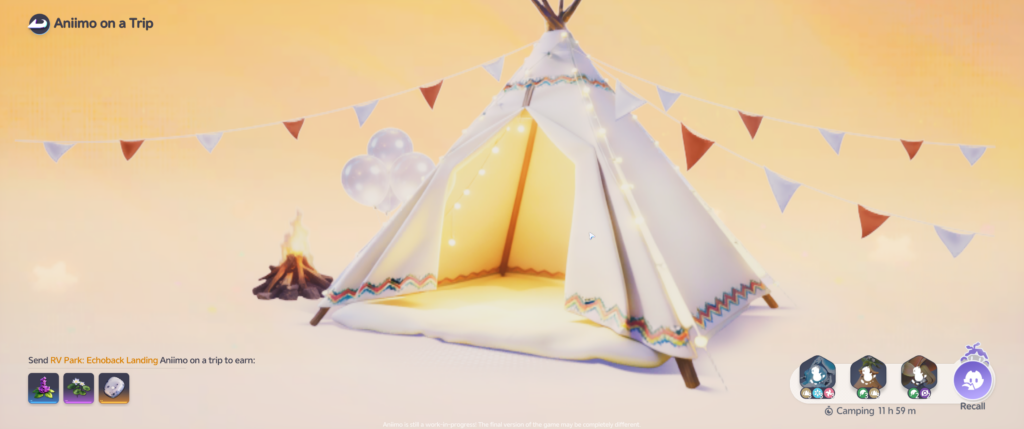
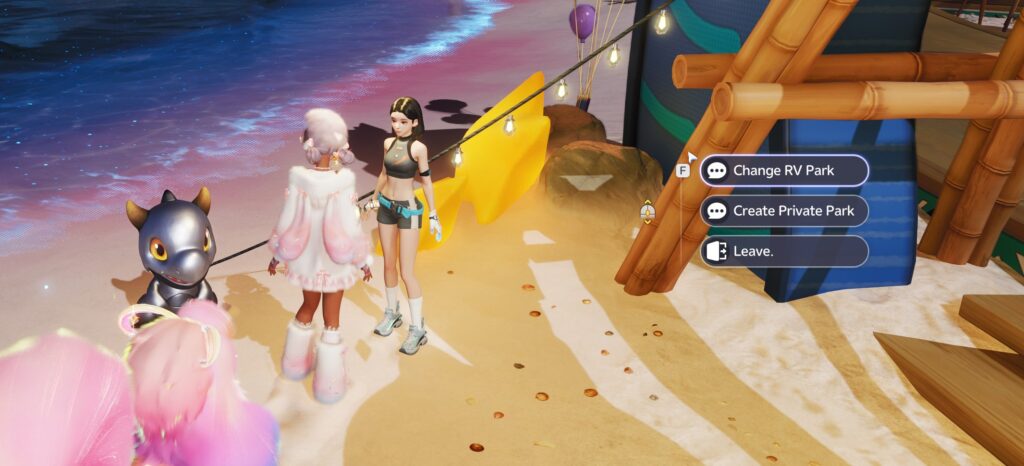
You can also change your RV location or create a Private Park (for your friends!?) by talking to the NPC that’s located outside of each park.
Orders Keep Everything Moving
The order system quietly became one of the biggest reasons I visit my Homeland every play session.

Instead of farming just for the sake of farming, there’s always another request waiting that encourages me to expand production, diversify crops, or finally craft that item I’ve been putting off.
It creates a really satisfying gameplay loop where every improvement to your Homeland makes completing future orders even easier.
You pick up new orders from the Bini #2333 on your homeland (its next to the seeds one; and after Beta they will probably give them different names hehe)
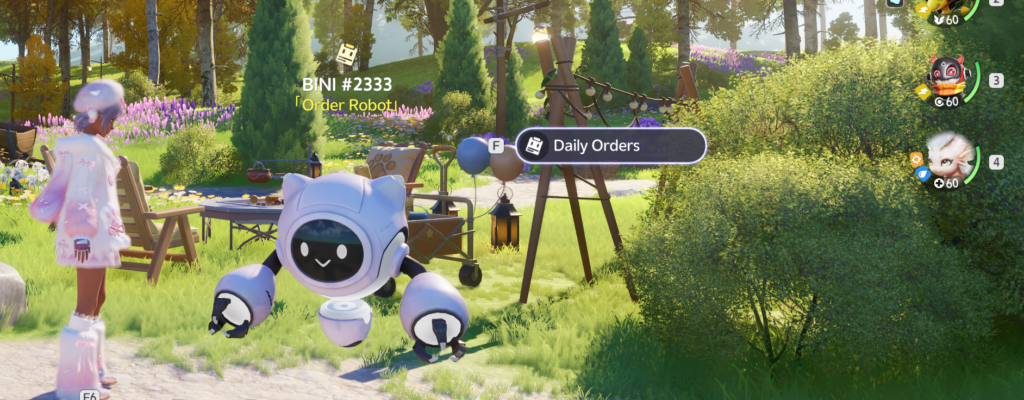
My Warehouse Is… Organized Enough
Let’s be honest.
No farming game is complete without eventually asking:
“Where did I put that one material?”
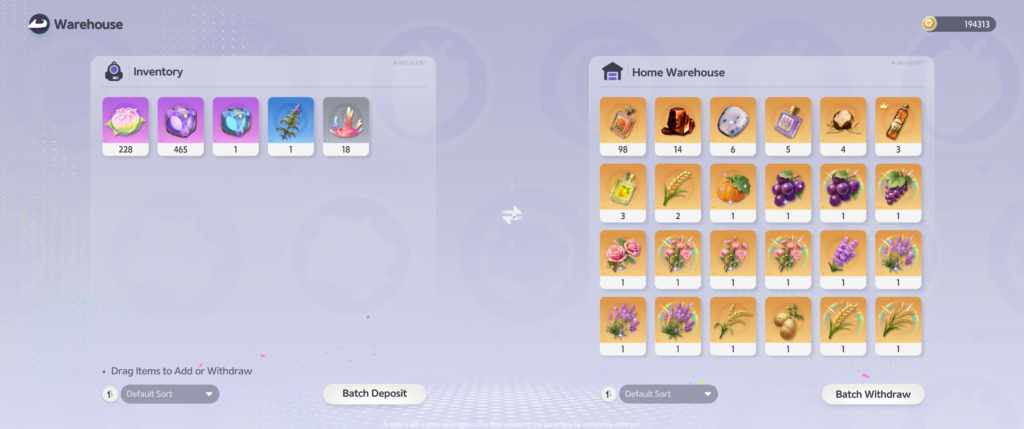
Maybe in the future they will offer a way to organize the warehouse. But its useful for what it is; You can move items between your bag and home. Which leads me to the wish that the item we pick up in modes like Egg Heist would lead to being placeable in home.
Still a Work in Progress
The best part about my Homeland is that it never feels finished.
Every day I discover another decoration I want to place.
Another room I want to redesign.
Another production chain I want to optimize.
Another excuse to spend “just five more minutes” tending crops that somehow turns into another hour.
As Aniimo continues development, I’m excited to see how this system grows—and I’ll keep updating this Homeland Journal as my little corner of the world evolves.
For now, welcome to my home.
I hope you’ll stop by again soon.